Michigan Entity Search : Step-by-Step Guide
The Michigan Business Entity Search is the official tool to find corporations, LLCs, and other registered businesses in Michigan. The Mi Business Registry Portal replaces older systems and provides fast access to business status, filing history, entity ID numbers, and registration details directly from the state, with no third-party filters. Whether you want to perform a Michigan LLC search, check business name availability, or learn how to start a business in Michigan, this portal is the easiest and most reliable way to manage your business research and filings.
Here’s a clean, simple walk-through to help you move through the portal with ease.
Step 1. Navigate to the Official LARA Corporations Division Website
- Go to the Mi Business Registry Portal via the official LARA URL.
- Ensure you are on the Michigan government search site for accurate results.
Using the official portal avoids outdated or incorrect business data.
Step 2. Select the Appropriate Search Type
- Choose your method: Business Name for known companies, Entity ID for exact matches, Soundex for approximate spelling.
- Filters help narrow results efficiently.
Soundex is useful for businesses with unusual spellings.
Step 3. Analyze the Search Results and Entity Profile
- Check each registered entity carefully. Look for status, type, incorporation date, and other essential details.
- Identify DBAs, partnerships, and corporations in your search. Profiles contain useful insights for business verification.
Step 4. Verify Key Business Details and Good Standing Status
- Confirm the entity is in good standing. Review compliance with filing requirements.
- Verify registered agent information for official correspondence.
Good standing ensures the business is legally active in Michigan.
Step 5. Save or Export Entity Information for Records
- Use portal options to download or save reports. Keep records for future reference.
- Exporting helps maintain a history of corporate searches for due diligence.
Maintaining records streamlines verification for contracts or partnerships.
Step 6. Use Findings to Make Informed Decisions
- Validate potential partnerships or vendors.
- Stay confident in all Michigan business interactions.
Michigan Business Entity Search Guide: Official State of Michigan Lookup
Michigan business entity search guide assists in checking LLCs, corporations, as well as other businesses. It is used by the entrepreneurs, investors and researchers to verify whether a business is registered or not, whether it is in good legal standing or not and whether it is owned or not.
The official entity lookup provides registration dates, active status, and ownership details. Searches rely on verified records, making it fast and reliable. According to Michigan State University, state-run business databases are the most trusted sources for verification.
I want you to know that performing a business registration search makes sure that you are clear and confident. Using the State of Michigan’s business database helps make informed decisions and ensures accurate verification for every company.
How to Perform a Michigan Entity Search Using the LARA MiBusiness Registry Portal
Searching for a Michigan business is straightforward with the LARA MiBusiness Registry Portal. Over 1.5 million entities are registered in the state, including corporations, partnerships, and DBAs. Using the portal, you can quickly verify business status, type, and incorporation date in minutes.
Start by accessing LARA online. Choose your search method: business name, entity ID, or Soundex. Review the results carefully. The portal shows registered agents, business standing, and key details. It’s a reliable way to confirm compliance and good standing.
We recommend saving or exporting entity information for future reference. Verifying the registered agent ensures legal correspondence reaches the right party. By following these steps, you stay informed and confident about your business interactions in Michigan.
Michigan Business Lookup Guide: Business Names, DBAs & Co-Partnerships
The Michigan Business Lookup Guide helps you search business names, DBAs, and co-partnerships efficiently. Over 1.5 million entities are registered in Michigan, including sole proprietorships, partnerships, and assumed names (DBAs). Multiple entities may share similar names, so using official records ensures accurate identification, partnership verification, and business compliance.
Quick Overview:
DBA (Assumed Name): Used by businesses operating under a name different from the legal owner’s name. Helps customers recognize the business brand.
Co-Partnership: A business owned by two or more partners who share profits, responsibilities, and liabilities. Registration ensures legal recognition.
Sole Proprietorship: Owned by a single person. Simple structure but still requires registration for legal compliance and business location verification.
| Entity Type | Search Tip | Notes |
|---|---|---|
| DBA | Search by assumed name | Check SOS records for conflicts |
| Co-Partnership | Search by partner names | Verify registration date |
| Sole Proprietorship | Search by owner name | Confirm business location |
Using this method ensures you can clearly distinguish entities, avoid naming conflicts, and confidently verify entity registration details.
How to Conduct a Michigan Corporate Entity Search via the Corporations Division
Searching for corporations, non-profits, and foreign entities in Michigan? You can do it fast with the Corporations Division. Every year, around 50,000 new businesses join the list. You get incorporation types, filings, and legal status at a glance.
Here’s what I look at when I search:
- Corporate Type: Profit or non-profit. Quick check tells you the purpose.
- Registered Agent: Who gets legal notices? Make sure it’s right.
- Filing History: Incorporation papers, amendments, annual reports. Everything in one place.
- Foreign Corporations: Out-of-state businesses operating here. Confirm they’re legal.
Doing this keeps things simple. You know who you’re dealing with. You can verify entity formation records and compliance. No guesswork. Just facts.
5. Michigan LLC Search: How to Look Up Limited Liability Records (LLCs, LLPs & Partnerships)
You can check a Michigan business entity search to see if an LLC, LLP, or LP is active. Over 900,000 limited liability companies operate in Michigan, and each certificate shows formation date, status, and compliance updates. It’s a simple way to know the business is officially recognised. I often look up a company before working with it.
For example, a consumer planning to team up with a local LLC can quickly verify the company’s active status in the Michigan LLC database. Checking the certificate makes sure the business is in good standing.
You can also check general partnerships and limited partnerships to confirm registered agents and contact information. I check for dissolutions or revocations and ensure compliance. Doing this keeps everything clear and gives you confidence in your search.
6. LARA Business Search vs Michigan Secretary of State: How to Verify and Lookup Business Entities
LARA makes it simple to verify LLCs and corporations. You can check registration status, good standing, and even the registered agent. Over 70% of Michigan businesses use LARA for accurate entity details. It’s fast and reliable for your verification needs.
Michigan Secretary of State covers corporations, non-profits, and DBAs. The platform offers searches by name, ID, or filing number. Status and compliance checks confirm that a Michigan-registered business is legit. It’s a go-to for formal compliance verification.
Using both platforms together gives full coverage. LARA handles the LLCs, while SOS adds non-profits and DBAs. You can confidently perform a business entity search and ensure compliance. Verification is easier, faster, and fully transparent.
Feature Comparison Table
| Feature | LARA | Michigan SOS |
|---|---|---|
| Entity Coverage | LLCs, Corporations | Corporations, Non-Profits, DBAs |
| Search Options | Name, ID, Soundex | Name, ID, Filing Number |
| Verification | Good Standing, Registered Agent | Status, Compliance |
Michigan Company Search Guide: How to Lookup Business Details & Registration Status
Looking up a Michigan business is quick and simple. You can see the formation date, registration status, and registered agent for any company, LLC, or corporation. Most records are online. That means you can get the info you need fast, without hassle.
Here’s a simple way to do it:
- Check formation date and status – makes sure the company is active and legitimate.
- Verify business type and entity ID – confirms you’re looking at the right company.
- Access public filings or annual reports – see the company’s history and important updates.
- Explore filing history – track changes in ownership or legal structure.
- Confirm the registered agent – know who handles official communications.
Doing this keeps you informed and confident. Whether it’s for research, due diligence, or just staying up to date, Michigan business entities make it easy. Accurate public records mean you can check facts anytime and make smart decisions.
Verify Good Standing & Registered Agent Using Michigan Licensing and Regulatory Affairs
Before conducting business, check a company’s good standing. You want to know it’s active, legitimate, and compliant with state regulations. Any corporation, LLC, limited liability partnership, or non-profit can be looked up. Use an entity search in Michigan. It gives detailed information—the entity name, contact details, trademarks, and legal documents. The Department of Licensing and Regulatory Affairs (LARA) keeps these records official and easy to access.
Here’s what I do:
✅ Check the status before signing anything.
✅ Use the search tool on LARA for the entity name.
✅ Cross-check with SOS and the county clerk.
✅ Make sure the business can safely transact business.
✅ Hire a registered agent if you need one (BusinessRocket).
✅ Scan trademarks, legal documents, and contact details to complete your query.
Do this. Stay safe. Stay informed. Michigan business entities make it simple to see who you’re dealing with. Accurate public records. Easy verification. Confidence in every step.
How to Register Your Business in Michigan: New Entities, Annual Reports & Additional Information
Entities
- Complete the business registration forms online.
- Assign your registered agent.
- Add your principal office (physical address + mailing address if different).
- Provide your email address for notices.
- Keep information consistent with your planned structure.
Michigan LARA Physical Address:
2407 N. Grand River Ave, Lansing, MI 48906
Online Filing Portal:
Michigan LARA Corporations Online Filing System (COFS)
Annual Reports
Michigan requires annual reports to keep your business active. Here are the key dates:
- LLC Annual Statement: Due February 15 each year.
- Corporation Annual Report: Due May 15 each year.
- Non-Profit Annual Report: Due October 1.
To stay in good standing:
- File on time.
- Update contact information, registered agent details, or addresses.
- Use your online login (COFS ID + PIN) for quick filing.
Additional Information
- Review your compliance documents before submitting.
- Confirm your registration through the online portal.
- Michigan tools make it simple to register a business in Michigan and stay compliant year-round.
- Update your physical address, online address, and email whenever anything changes.

- Iowa Business Entity Search Guide August 7, 2026 - Home » Michigan Business Search in 2026 – Check Name AvailabilityIowa Business Entity Search 2026 Use the official Iowa Business Entity Search tool to look up any Iowa LLC or corporation by name. Check business status, filing history, and registered agent details. Fastest National Processing Times! REGISTER AN LLC Trustpilot Business Name Availability Check State …
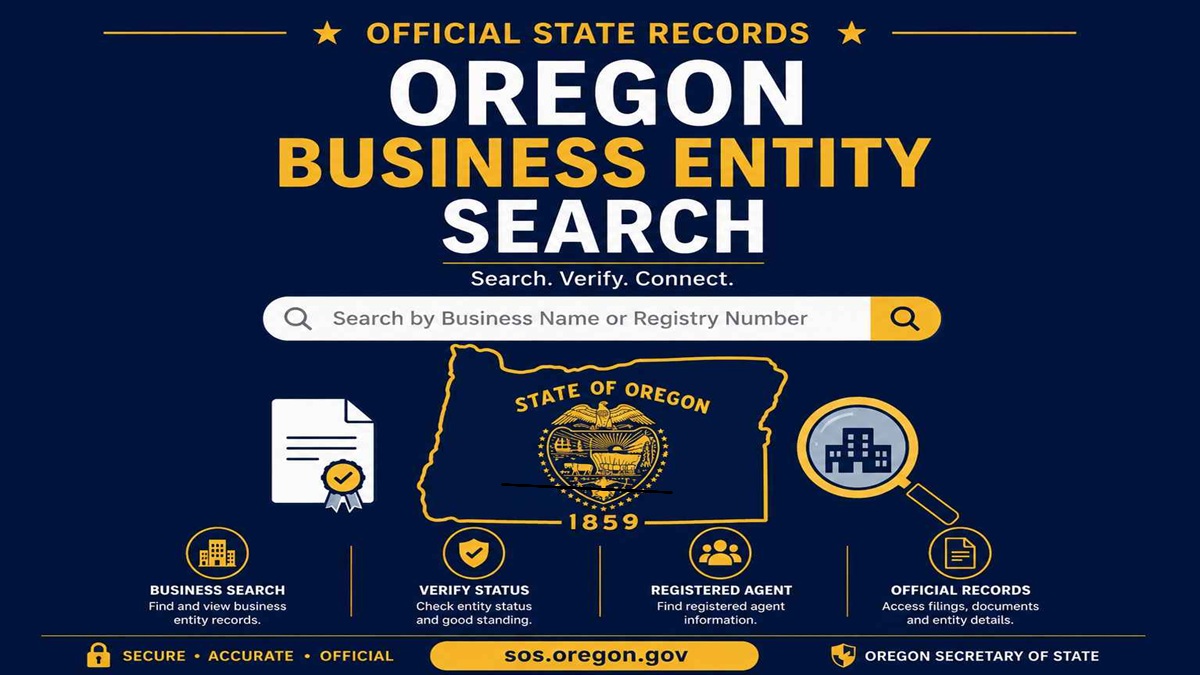 Oregon Business Entity Search July 25, 2026 - Home » Michigan Business Search in 2026 – Check Name AvailabilityOregon Business Entity Search 2026 Go to Oregon Business Entity Search to find LLCs, corporations, DBAs, and other registered businesses. Verify entity status, review filing history, check registration details, and access official public business records in Oregon for 2026. Fastest National Processing Times! REGISTER AN …
 Kansas Business Entity Search July 22, 2026 - Home » Michigan Business Search in 2026 – Check Name AvailabilityKansas Business Entity Search 2026 Kansas business entity search is free at sos.ks.gov. Look up any LLC, check its status, and confirm name availability in under 3 minutes. No login needed. Fastest National Processing Times! REGISTER AN LLC Trustpilot Business Name Availability Check State of …